




Nomaspin App
The Nomaspin App runs as a progressive web app, so our full casino opens straight from the browser on any modern device. Players across the Netherlands reach the same lobby and the same bonus schedule that we run at Nomaspin Casino on desktop, inside one account. Installation takes a few taps and leaves an icon on the home screen of a phone or tablet. This page covers access on Android and iOS, desktop play on Windows and macOS, and the way our systems keep every device in sync.



Mobile or Desktop: Which Is Better for Playing Nomaspin?
Mobile fits short and frequent sessions, while desktop fits long evenings in front of a large screen. Both routes load an identical library at Nomaspin Casino, so the decision depends on the moment rather than on the content.
- A commute or a queue calls for the home screen icon, which opens the lobby in about two seconds and suits a short run of online slots.
- A live dealer evening works better on a 24-inch monitor, where side bets and running statistics stay in view at once.
- Document upload for the verification process runs faster on a phone, since the camera captures each page directly inside the account section.
Battery drain and heat set the practical limit on a three-hour mobile session, and that is where a laptop holds performance steady. Plenty of our players use both routes within one day. A tournament entry started on the Nomaspin app during a lunch break and continues on desktop in the evening, with the leaderboard position carried over untouched.
Is There a Nomaspin App for Android?
Android users install the Noma Spin app through Chrome in under a minute. Open our site, tap the three-dot menu next to the address bar and select Add to home screen. Chrome saves a shortcut that launches the lobby in full screen with the browser interface hidden, which gives the same feel as a store application.
Storage demand stays near 5 MB because a progressive web app keeps its content on our servers rather than on the handset. Android 8.0 and later run everything comfortably, and 2 GB of RAM holds live tables smoothly across longer sessions. Each launch pulls the current build from our servers, so the version on screen always matches the live site. Push notifications from Nomaspin Casino carry tournament standings and free spin credits, and system settings control them at any point.
How Can I Access Nomaspin from an iOS Device?
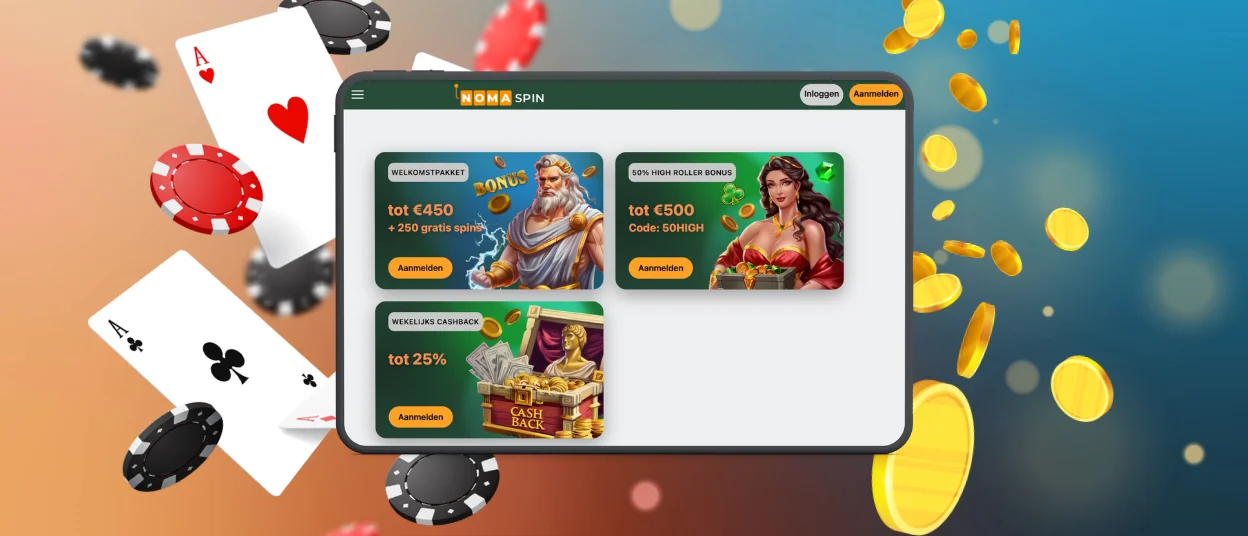
Safari installs our app on iPhone and iPad in three taps. Open the site in Safari, use the Share button and select Add to Home Screen. iOS 15 and later support the whole feature set, including full-screen launch and a saved sign-in session.
The icon behaves like any application from the App Store, and iPadOS opens the Nomaspin Casino lobby in landscape with the game grid widened to four columns. A device passcode protects an open session, and our servers hold the sign-in token valid for seven days of regular use. Game frames scale to the exact screen height on every model from the iPhone SE upward, so the spin control stays within thumb reach. The Nomaspin app also caches interface graphics on the device, which brings repeat load time down to around one second.
How Can I Play Nomaspin on Desktop (Windows and macOS)?
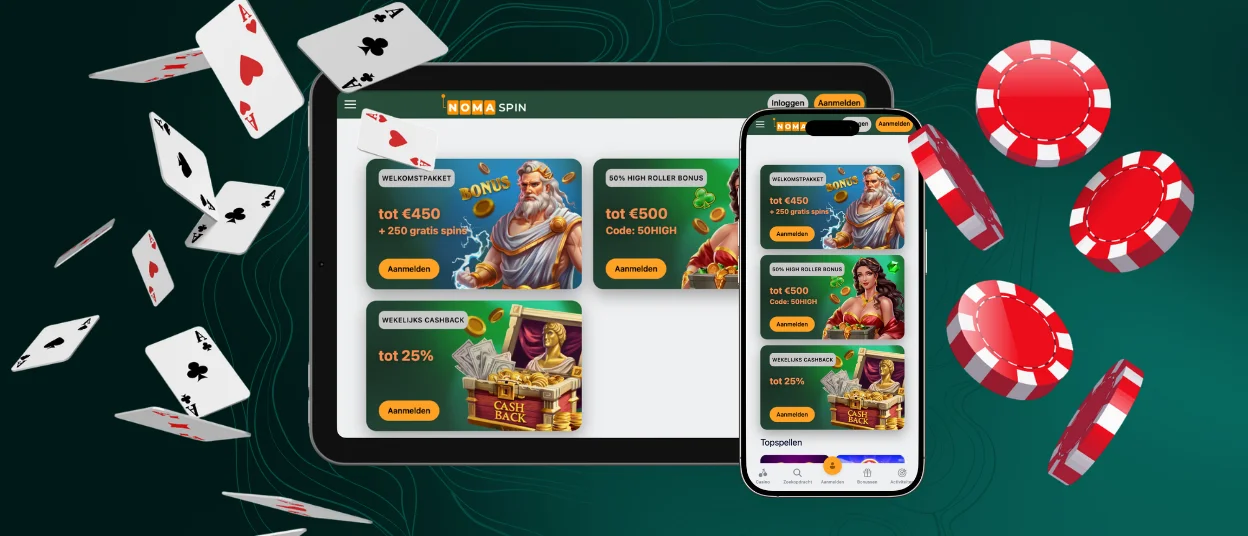
Desktop play starts directly in the browser. Windows and macOS users open Noma Spin in any current browser and sign in with the credentials they already use on mobile. Chrome on Windows adds an optional shortcut under the three-dot menu, which places Nomaspin Casino on the taskbar and opens it in a separate window of its own.
A larger screen changes how the lobby feels in daily use. Filters for provider and volatility are permanently on the left, and the search field stays visible while the game grid scrolls. Live dealer studios stream at 1080p over a wired connection, which keeps the picture stable through long sessions. Keyboard shortcuts speed up repeat actions in table games, and a second monitor lets a player follow tournament standings next to an active reel. Game history, deposit records and limit settings open in the same account panel, so checking a full month of activity takes a couple of clicks.

Which Browsers Support Nomaspin?
Every major browser engine released in the past three years runs Noma Spin at full speed. Chrome, Safari, Firefox, Edge and Opera each load the lobby correctly, and each supports the progressive web app installation described above. Samsung Internet handles Galaxy devices in the same way.
Starting a game takes one step after sign-in. Select a title from the grid, and it opens in the same window with the balance bar fixed at the top. Browser choice shifts speed in small ways. Chrome and Edge share the Chromium engine and load heavier live tables faster, while Safari holds a clear battery advantage on Apple hardware. Keeping JavaScript active and clearing the cache once a month holds performance steady at Noma Spin Casino, and our Support Team answers setup questions through live chat around the clock.
Does Nomaspin Support Cross-Platform Functionality?
One Nomaspin Casino account covers every device. Balance, bonus progress and open tournament entries update on our servers within a second of each action, so a session paused on a phone continues on a laptop at the same point. Sign-in sessions stay active on up to five devices at once, and the account page lists each of them with its last sign-in time. Every platform in the table below uses the same credentials and the same wallet.
| Platform | Supported OS / version | Access method | Cross-device sync |
|---|---|---|---|
| Android | Android 8.0 or newer | Chrome, Add to home screen | Real-time sync with push alerts for bonus credits |
| iOS | iOS 15 or newer | Safari, Add to Home Screen | Real-time sync, session token valid for seven days |
| Windows | Windows 10 or newer | Any current browser, optional Chrome shortcut | Real-time sync across several open windows |
| macOS | macOS 12 or newer | Safari, Chrome or Firefox | Real-time sync with tab handoff to iPhone |
Responsible gaming settings follow the identical rule. A deposit limit set on Windows applies to the Noma Spin app the same evening, and game history covers all four platforms in one list. That consistency is what keeps the gaming experience continuous instead of tied to a single device.
Frequently Asked Questions about the Nomaspin app
Are connections in the Noma Spin app encrypted?
Every connection uses TLS 1.3 with 256-bit AES encryption, and the certificate covers each page of our mobile casino. Payment data travels through PCI DSS compliant gateways, and card details stay tokenized on the processor side rather than on the handset. Our systems also flag a sign-in from unfamiliar hardware and request email confirmation before access continues.
Is the mobile game library the same as on desktop?
The mobile library is identical to the desktop one. Every title in the Nomaspin Casino lobby opens on a phone or a tablet, including slots, live dealer tables and crash games. Rules, stake ranges and paytables match on both screens, and a favorites list saved on desktop appears in the Nomaspin app straight away.
Can I activate the Noma Spin welcome offer from my phone?
The welcome offer activates from a phone in exactly the same way as on desktop. Every promotion running at Nomaspin Casino appears in the mobile account section, and claiming, tracking and wagering use the identical screens. Bonus progress carries across devices, so an offer started on a phone continues on a laptop from the same point.


